
Turn an order into a checked physical parcel before marking fulfilment.
Separate payment from fulfilment
An order being paid does not mean it has been dispatched. Use the Shopify order and fulfilment workflow to record what has actually happened, and distinguish a created label from carrier handover. Check the current Shopify help material for the features available to your store.
Create a packing record
Match the ordered variants, quantities and destination to the packing list. If an order is split across boxes, keep a piece-level record and verify which items are in each parcel. Product catalogue weights may not include the final carton and cushioning.
Make customer promises match the service
Your checkout wording, dispatch policy and customer messages should agree. Do not present an estimated delivery period as a guarantee or tell the customer that a label-created event proves collection. Check how tracking is shared through the actual store workflow.
Test the exception process
Prepare for address queries, partial fulfilment, missed collections and returns before order volumes rise. Use fictional orders to rehearse the process. SelectaParcel does not currently sync Shopify orders, create labels or provide an installed Shopify app.
A compact dispatch check
Use the order record and physical parcel together. The following is a suggested manual check; it does not depend on an installed SelectaParcel integration.
| Record | What to reconcile | Evidence to retain |
|---|---|---|
| Source order | Correct platform/order and authorised destination | Original order and any approved correction |
| Physical pieces | Parcel count, contents and labels match | Packing list and piece references |
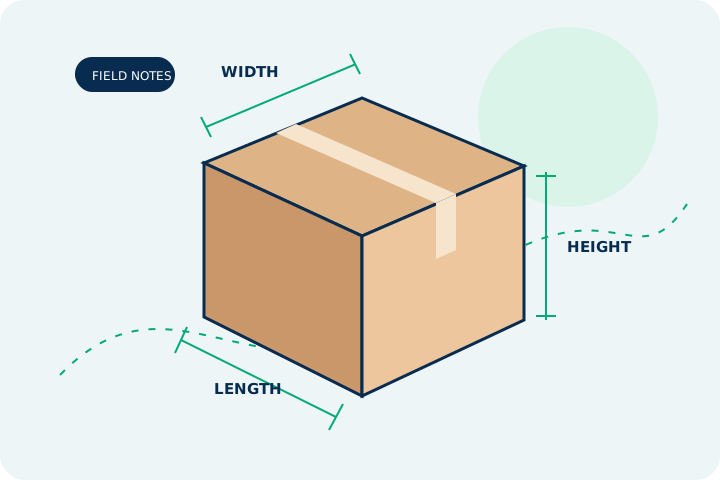
| Measurements | Final outside dimensions and packed weight | Recorded readings and useful photos |
| Handover | Actual collection or accepted drop-off | Receipt or collection confirmation |
| Exception | Who resolves a query or return | Case number and relevant correspondence |
A two-box order
An order contains a lamp and a shade that need separate boxes. Record one order with two parcels; do not copy the lamp’s package weight into the shade’s label. Mark fulfilment only according to the actual store workflow and handover state.
Use this as a process example, not a statement that a SelectaParcel platform integration is available.
Questions worth clearing up
Is an integration available now?
No. These are operational resources. Store connections, order import and label purchasing are future functionality, not active services.
Does a generated label mean the customer order has shipped?
Not by itself. Confirm physical handover and follow the actual platform’s fulfilment process. Keep the order reference, piece labels and handover evidence linked so that a later query can be answered without guessing.
Primary sources & editorial review
Reviewed on 7 November 2026. Rules can change; check the specific product, destination and current official guidance before sending. This independent explanation is not a quote or a guarantee.
Spot something that needs updating? See our contact information and editorial approach.